
Charme Dance AI: Turn a Photo into a Baile Charme Video
Learn what charme dance AI means, prepare a better photo, write a baile charme video prompt, and fix common motion problems before sharing your clip.
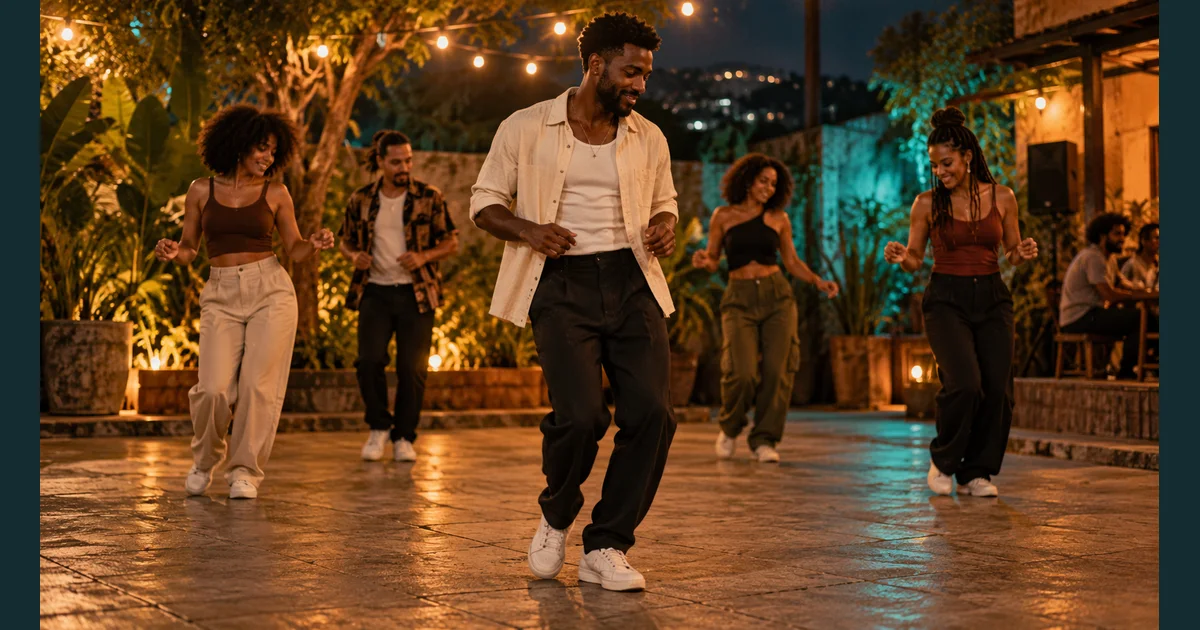
Charme dance AI means using AI video tools to animate a person or character in a scene inspired by Brazilian baile charme. The recognizable look combines compact side steps, relaxed shoulders and a social dance atmosphere. A photo supplies the character; a prompt or a supported motion reference guides the movement. The result is synthetic video, not a recording of that person attending a real dance event.
If you want to make one, start with a clear full-body image and a short, restrained movement prompt. This guide explains the dance context, a practical photo-to-video workflow, prompts to adapt and what to check before you publish.
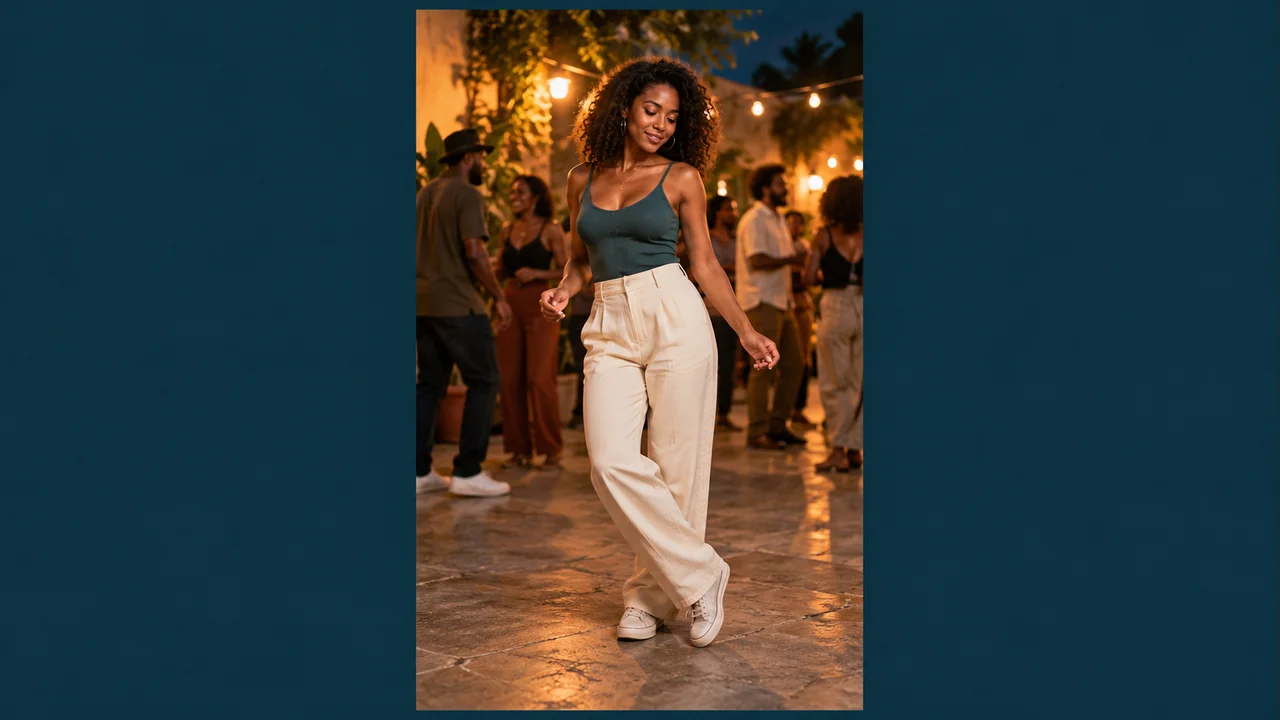
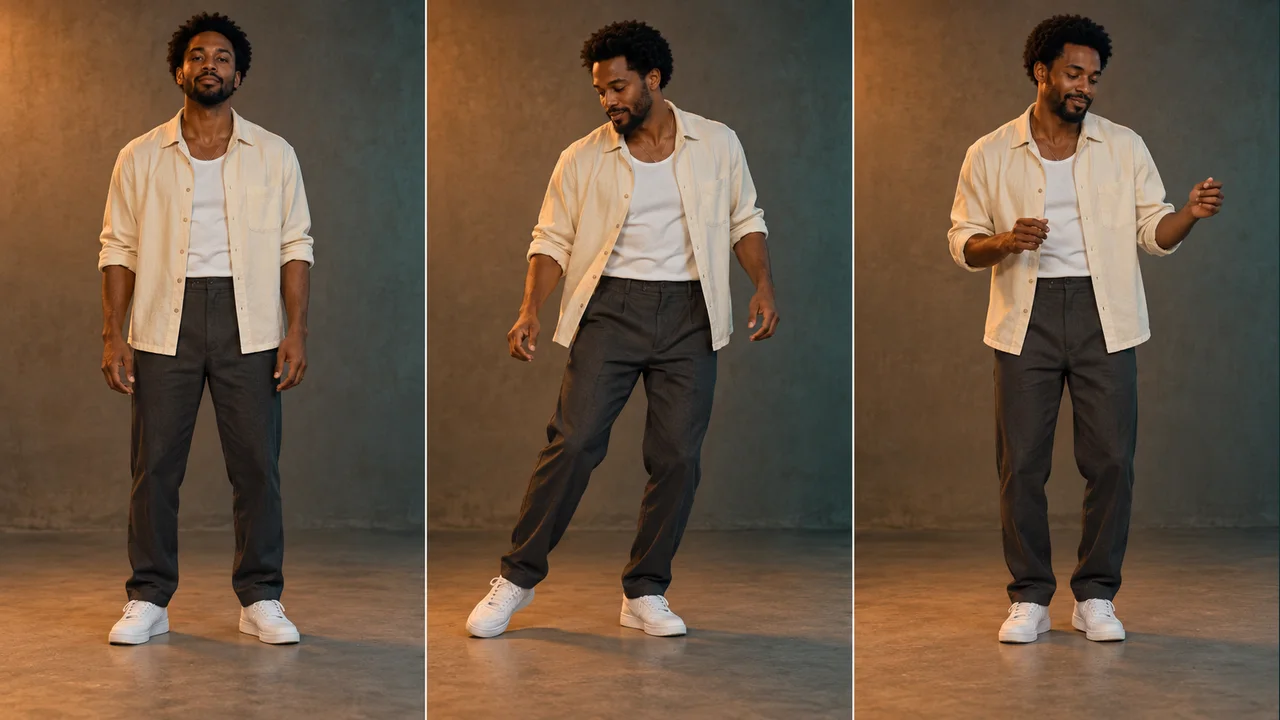
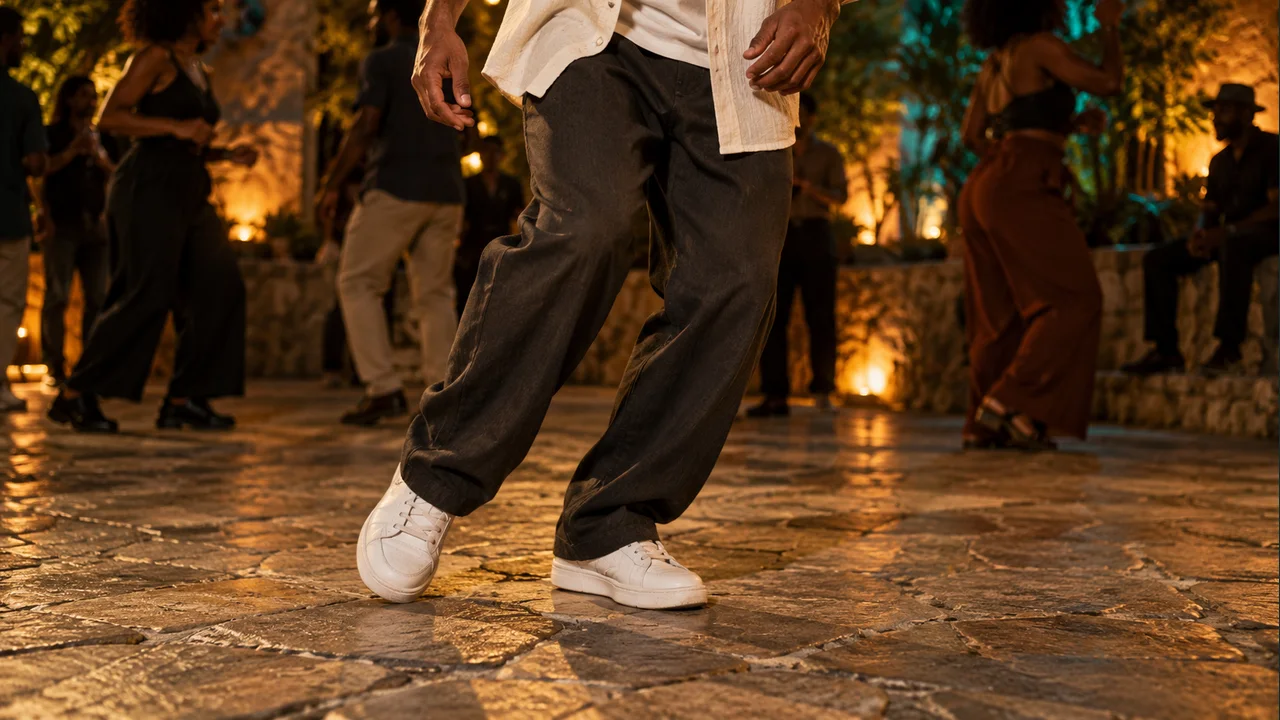
All six images in this guide are AI-generated editorial illustrations. They show planning concepts, not real event photographs, product screenshots or tested video outputs.
What is charme dance AI?
The phrase describes a creative effect and a search category, rather than one universal app or official template. Some tools generate an original dance scene from a photo and text. Others use a reference clip to guide movement or replace a performer. Those approaches give you different kinds of control.
You may also see baile charme AI, baile charme IA, or references to an “AI grandpa” and the Seu Zé de Madureira character. These names appear around the same family of dance edits. A familiar face, a crowded night scene or similar music does not establish that a clip is authentic.
The real dance behind the effect
Charme has a history in Rio de Janeiro's Black communities and social dance gatherings, with connections to soul and R&B. It developed long before generative AI. Madureira is an important setting in that culture, and people dance together using shared steps and a relaxed groove.
For an AI-inspired interpretation, focus on that sense of ease and group rhythm. “Brazilian party” alone is too vague: a model could produce carnival costumes, acrobatics or unrelated dance movements. Describe small lateral steps, soft knees and restrained shoulder motion. Treat your prompt as a creative interpretation, not an authoritative choreography lesson.
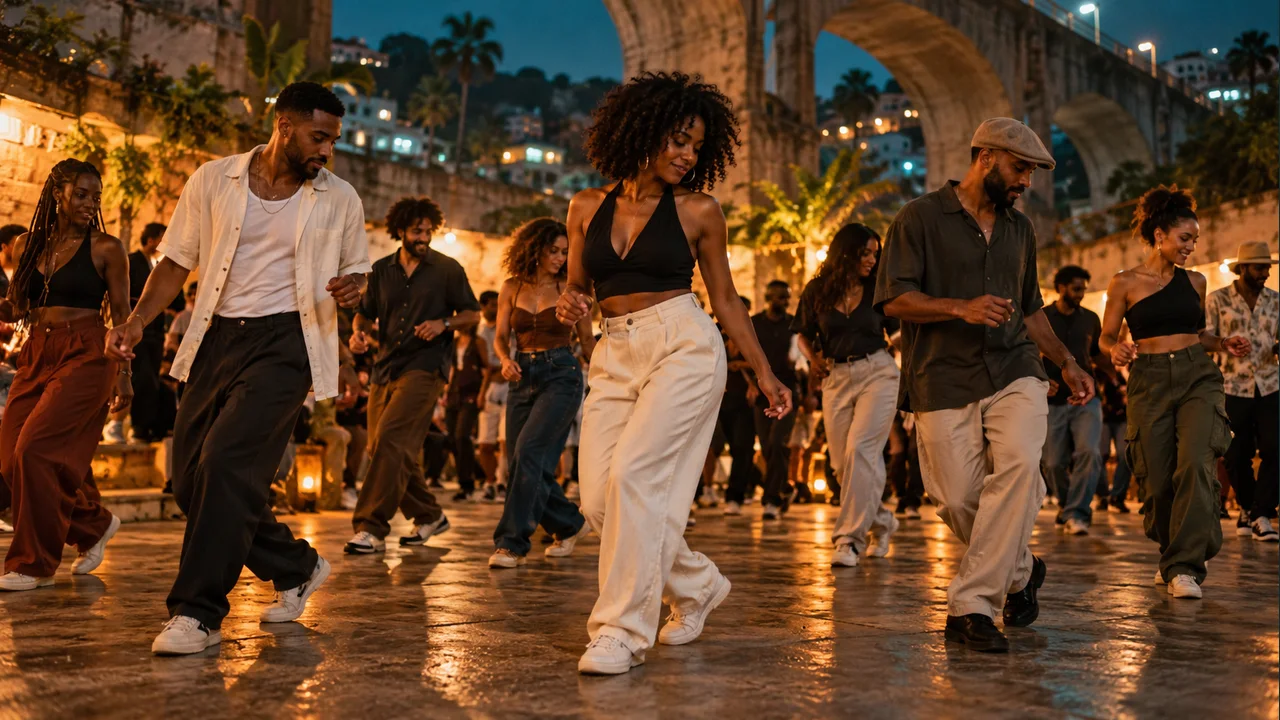
Choose the right workflow for your goal
For an original scene from your own photo, use image to video. You provide an image, describe the movement and choose the available output settings. Our image-to-video tool is the starting point for the workflow below. It is a general video generator; this guide does not assume a dedicated one-click Charme template.
For a particular sequence, look for explicit reference-video support. A text prompt can suggest the character of a dance, but it does not specify every foot placement or musical count. If the selected model supports a motion or video reference, use a clip you have permission to use and check what that control actually does. Video editing and precise motion transfer are not interchangeable features.
For a fictional dancer, create the source image first. The text-to-image tool can help you design an original adult character with a simple outfit and readable silhouette. Get the still image right before paying for animation attempts.
Prepare a source photo that gives the model room to dance
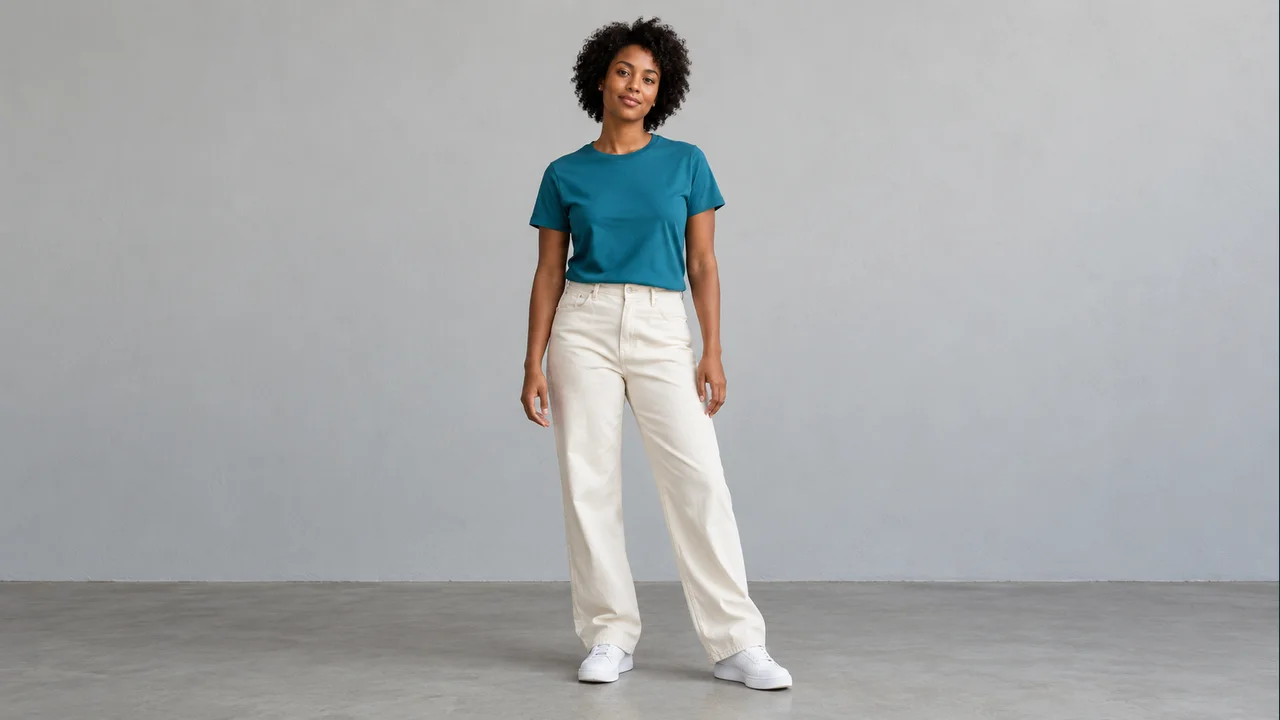
A sharp face is useful, but a tightly cropped selfie leaves the generator to invent most of the body. When footwork matters, a full-body source is a better starting point. A waist-up photo is more suitable when your intended clip only needs a subtle upper-body groove.
Use this practical checklist:
- One clear subject: choose yourself, a consenting adult or an original fictional character. Avoid a group photo when you want one lead dancer.
- Visible shoes and floor: leave space below the feet and on both sides. The frame should accommodate a small lateral step.
- Readable hands: keep them separated from the torso and out of pockets if the animation needs arm movement.
- Even light: avoid deep facial shadows, heavy beauty filters and strong motion blur.
- Simple clothing: clear sleeves and trouser legs make changes easier to notice when reviewing the video.
- A quiet background: fewer foreground objects give the model fewer edges to merge with moving limbs.
If the original crop cuts off a shoe, try another photo. Asking a model to reconstruct missing anatomy and perform a dance at the same time adds uncertainty. Use the image editor for preparation when needed, then inspect the edited still before animating it.
How to make a charme dance AI video from a photo
1. Upload your image and select a compatible model
Open Image to Video, add your prepared photo and choose a model that supports image input. Available durations, resolutions, sound controls and credit costs depend on the model and your account. Read the current controls rather than assuming every model offers the same options.
2. Set the frame before adding choreography
For a portrait social clip, choose 9:16 if the selected model offers it. Keep the entire dancer visible. A wide source image may need preparation to fit a vertical output without losing the feet. Use 16:9 when the group setting or a landscape presentation matters more.
3. Ask for one small movement phrase
Start with a side-to-side weight shift, two compact steps and a return toward center. Keep the camera steady for the first attempt. Combining fast turns, camera orbits, crowd crossings and detailed hand gestures makes it harder to identify what went wrong.
4. Generate a short draft
Choose a short available duration and review the displayed credit cost before submitting. The first goal is a usable movement phrase with a recognizable subject. More seconds and higher resolution do not automatically fix unclear instructions. Check current pricing for account options; this guide makes no promise of free renders or a fixed cost per clip.
5. Change one variable and compare
If the face changes, simplify head movement. If the feet slide, reduce the distance traveled. If the background distracts from the dancer, reduce the crowd. Keep the source image and other settings constant while changing one instruction so you can judge whether the revision helped.
Charme dance AI prompts you can adapt
These are original starting prompts, not tested presets or guarantees of exact choreography. Adapt the scene to your source image and the controls supported by your chosen model. Keep identity, movement, setting and camera instructions easy to distinguish.
Full-body courtyard prompt
Use the uploaded adult as the single lead dancer. Create a short baile-charme-inspired dance scene at an outdoor Rio-style night gathering. Keep the face, hairstyle and clothing recognizable. Show the entire body with space around the shoes. The dancer shifts weight gently from side to side, makes two compact lateral steps, returns toward center and adds a relaxed shoulder groove. A few adults dance softly in the background without crossing in front. Warm overhead lights, natural skin texture and clear contact with the ground. One steady eye-level shot. Keep the movement modest and continuous.
Simpler prompt when the first draft is unstable
Animate the adult in the source image with a gentle side-to-side weight shift and relaxed shoulder movement. Keep both feet visible and close to their starting position. Keep the face facing mostly toward the camera. Preserve the outfit and background. Use one fixed full-body shot with no cuts or zooms.
Portrait prompt for a cropped source
Keep the uploaded adult framed from the waist up. Add a subtle shoulder groove and small relaxed arm movements near the waist. Preserve the face, hairstyle, clothing and original background. Keep the camera still and the head mostly forward. Do not change to a full-body shot.
The last option deliberately avoids asking a close portrait to invent legs and shoes. It creates a quieter dance-inspired portrait rather than a full footwork sequence. If you want to try a written scene without a source photo, open the site's text-to-video tool and describe the movement, framing and setting directly.
Common problems and what to change next
Treat each revision as an experiment. A clearer prompt can reduce ambiguity, but generated motion can still contain artifacts.
| What you see | What may contribute | Try next |
|---|---|---|
| Feet slide across the floor | Large travel or an unclear floor | Show the ground and ask for smaller weight shifts near the starting position. |
| Face changes mid-clip | Large head turns, occlusion or weak facial detail | Use a clearer source and keep the head mostly forward. |
| Hands merge with clothing | Overlapping limbs or busy gestures | Separate the hands in the source and simplify arm movement. |
| The dance feels too energetic | Vague instructions such as “viral dance” | Specify compact lateral steps, soft knees and a relaxed shoulder groove. |
| The crowd obscures the subject | Too many foreground performers | Ask for a few background adults who stay behind the lead dancer. |
| Shoes disappear from the frame | A tight crop or moving camera | Use wider full-body framing with space below the shoes and a fixed shot. |
Review the clip before sharing
Watch at normal speed first, then pause near the beginning, middle and end. Compare the face, outfit and body proportions with the source. Check whether the supporting foot stays grounded, hands remain separate and background people avoid merging with the subject. If only the ending breaks down, a shorter edit may be more useful than extending the generation.
Audio is a separate decision. A dance-style prompt does not automatically include a particular viral song, and matching a groove does not ensure beat synchronization. Check the output's actual sound, then choose music you are permitted to use for your intended post. Label the result as AI-generated where appropriate so viewers can distinguish your creative scene from real event footage.
Charme dance AI FAQ
Is charme a real dance or an AI invention?
Charme is a real Brazilian social dance culture associated with Rio de Janeiro, soul and R&B. “Charme dance AI” describes synthetic videos inspired by it. The dance itself predates these tools.
Can I create one from a single photo?
Yes, image-to-video models can use a single photo as the visual starting point. How well the face, clothing and movement hold together depends on the source, model and prompt. A clear full-body photo gives the model more information for footwork than a selfie.
Will the prompt reproduce the exact viral dance?
Not reliably. Text describes an intention; it does not encode a precise timed sequence. For a specific routine, check whether the selected tool offers suitable reference-video or motion controls. Even a reference does not guarantee an identical result.
Which song should I use?
There is no single soundtrack required for every charme-inspired AI video. Choose a track that fits your clip and that you have permission to use. Check whether your model generated audio before adding or replacing music in an editor.
Is a vertical video required?
No. A 9:16 frame is a practical choice for portrait social posts, while 16:9 can show more of a group setting. Pick an available ratio that keeps the intended movement visible, especially the feet.
Does this guide include a ready-made Charme template?
No. It provides a photo preparation process and adaptable prompts for the site's general generation tools. Start in Image to Video, choose the model and settings shown in your account, and review a short draft before making a longer version.
Editorial note: researched October 23, 2026. The cultural context draws on Rio dance-professionals' educational material and local cultural information. Current AI product descriptions were compared to understand the search term; their conflicting origin stories, view counts and soundtrack claims are not treated as established facts here.